
Creator Efficiency: Metrics Beyond Follower Count
Creator efficiency metrics
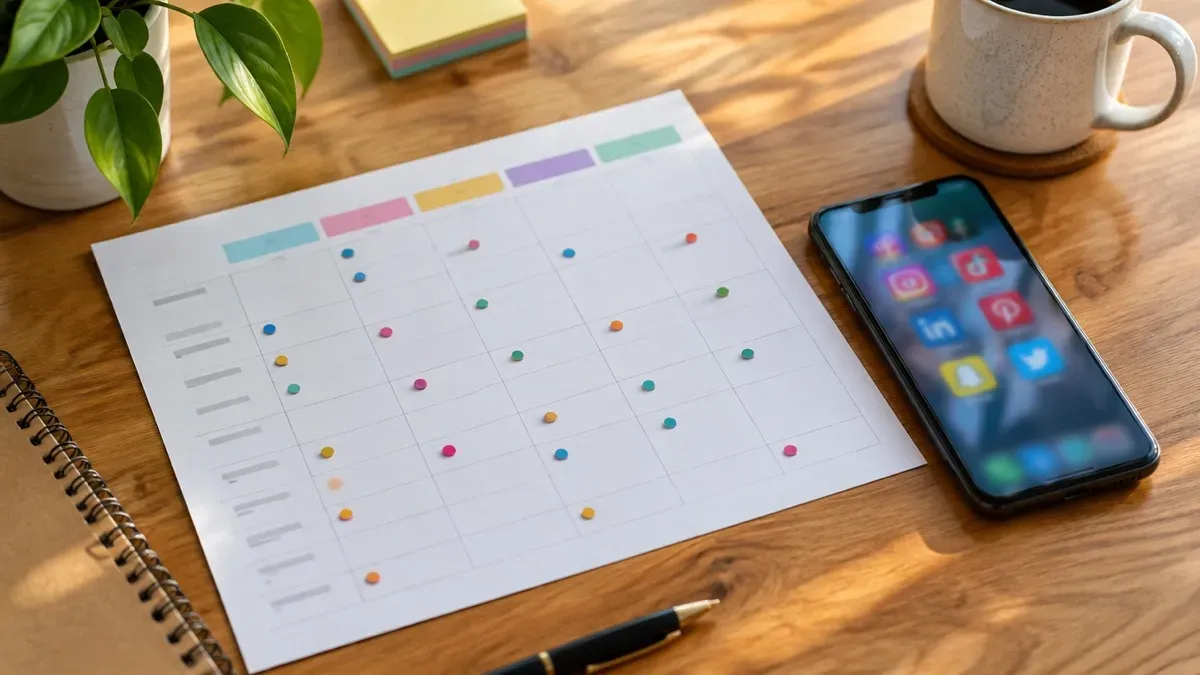
Hero photo by Luke Chesser on Unsplash
Creator efficiency is the cost of staying on a posting rhythm. It is not your follower count. Followers say something about the audience. They say nothing about how many minutes, apps, and missed slots it took to publish the last ten posts.
This page is for a solo creator or a small brand that already posts every week and wants a few numbers that fit on a notepad. It is not a studio dashboard and it is not a growth score. If you are still deciding whether to post at all, these metrics will not help you yet.
What to count, and what to leave
Count the work that repeats. Leave the vanity numbers in the app where they already live.
- Minutes per postSame type, timed
Clock one carousel the way you clock the next one. Mixing a Reel with a text post makes the average useless.
- HandoffsApps opened
Write the number of tools you touched for that post, including the chat where the caption started.
- ReuseOne brief, several posts
A brief that becomes a feed post and a second cut is reuse. Writing a new idea from zero each time is not.
- Kept slotsPlanned vs live
Of the posts you put on the week, how many actually went out. A full calendar with a quiet feed is a miss, not a style choice.
Four numbers are enough. A fifth is usually a ratio you will not update. There is no universal “good” minute count here. Your baseline is the next five posts of one type, written down by you. Borrowed benchmarks from someone else’s studio describe their niche, their editor, and their tools. They do not describe your Tuesday.
What surveys measure, and what your sheet measures
Industry reports usually ask about hours per week or income. That is a different question from “how many minutes did this one carousel cost.” Still, a quick look stops you from treating reach as workflow.
Linktree’s Creator Report 2022 found that 43% of respondents spend at most five hours a week on content work. In the same report, weekly hours do not rise in a straight line with income. Many mid-earning creators still stay under ten hours a week on content, while another slice plans much more time. That describes the market. It does not tell you whether your Canva export still happens three times per post.
Linktree’s Creator Commerce Report 2024 found that 59% cite producing content consistently as one of the hardest parts of the job. Epidemic Sound’s Future of the Creator Economy Report 2024 surveyed monetizing creators and found a large share spending twenty hours a week or more on content. That is a different population from “I publish three feed posts and want fewer clicks.” Your sheet measures handoffs, not weekly hours. Track hours only if you keep hitting the same Sunday bottleneck.
Both percentages are Linktree’s measurement, not ours. Sources to read: Linktree Creator Report 2022, Linktree Creator Commerce Report 2024, Epidemic Sound Report 2024.
Run the sheet: five posts of one type
You do not need an analytics dashboard. A spreadsheet or a notepad works if you time the same post type five times in a row.
- Pick the type
”Feed carousel” or “LinkedIn text,” not “everything this week.”
- Clock from the idea
Start when you open the idea or brief. Stop when the post is scheduled or live.
- Three columns
Minutes, app count, slot kept (yes/no). Optional row for what stuck.
- One change
File names, a template, one fewer tool. Not three rules at once.
- Five more
Then compare median or spread. One post is an anecdote.
Count reuse honestly. One brief that feeds two posts gets a mark or a “2.” Copy-paste without a plan is not reuse, just faster rewriting.
The mistake: reading the audience as the workflow
The common mistake is to treat likes, reach, or follower change as the efficiency report. Those can fall while the workflow gets faster, and they can rise while you spend a full day on a single post. Use them to judge the post. Use minutes, handoffs, reuse, and kept slots to judge the system that makes posts.
A short example, made up so the columns are obvious. A creator times five feed posts: 42, 38, 55, 36, and 40 minutes. The 55-minute one included a hunt for a file that was named poorly. Handoffs sit around five apps. One brief became two posts, so reuse is thin. Four of five planned slots went live. The useful change is a file name and one fewer paste, then another five posts. It is not a new follower goal.
Creator efficiency vs scheduling in the app
Schedulers show “best time” and click rates. That helps the audience, not file-name chaos. App metrics tell you whether a post landed and whether you should post more often, which is an audience question. Your sheet tells you whether the same post type needs less manual work and whether your plan matches reality. Compare kept slots to what the calendar promised: five planned and two live is a workflow problem, not an algorithm puzzle.
Who should skip this sheet
Skip it if you do not have a rhythm yet. You cannot efficiency-score a habit that is not there. Also skip it if a client already demands a reporting deck about reach. That deck answers a different question. Keep the four workflow numbers in a note that is not the client report, or the client numbers will crowd them out within two weeks.
When the minutes are mostly spent clicking after the words exist, Why You Still Click Too Much After Buying AI Writing Tools is the closer look. If you are choosing whether a calendar tool or a creation tool should own the hour, read Content Automation vs Scheduling Tools: What Actually Saves Time?. A single path for one person is in How Solo Creators Design a One-Flow Posting System.
Software does not define these metrics. If you later want a tool that drafts on-brand posts and sends Instagram through a review step, the Postology waitlist is the public entry point. Check the site for which networks it actually publishes. The notepad still matters either way.
Frequently asked questions
Should creator efficiency include follower growth?
No. Keep audience numbers for judging posts. Efficiency is minutes, handoffs, reuse, and whether the planned slot went live.
How many posts do I need before the numbers mean anything?
Five of the same type. One hero launch will dominate an average and tell you nothing about the ordinary week.
What do I change first?
The step that shows up on every timed post. Often that is a file hunt or a second paste, not the writing itself.
Written by
Postology Team
Passionate about sharing knowledge and helping others succeed with content automation.
Related Articles
You might also be interested in these articles
Content Automation vs Scheduling Tools: What Actually Saves Time?
Scheduling tools queue finished posts; content automation connects creation to publishing. Decide which layer your workflow is missing.

How Solo Creators Design a One-Flow Posting System
A social media workflow for creators should cut handoffs, not add apps. Build a one-flow posting system you can keep on a busy week.

Why You Still Click Too Much After Buying AI Writing Tools
AI writing tools shorten the caption. Manual scheduling, crops, and uploads still take the afternoon. Here is where those clicks sit.