
How to Schedule Cross-Platform Without Copy-Pasting Every Caption
Cross-platform scheduling without copying captions
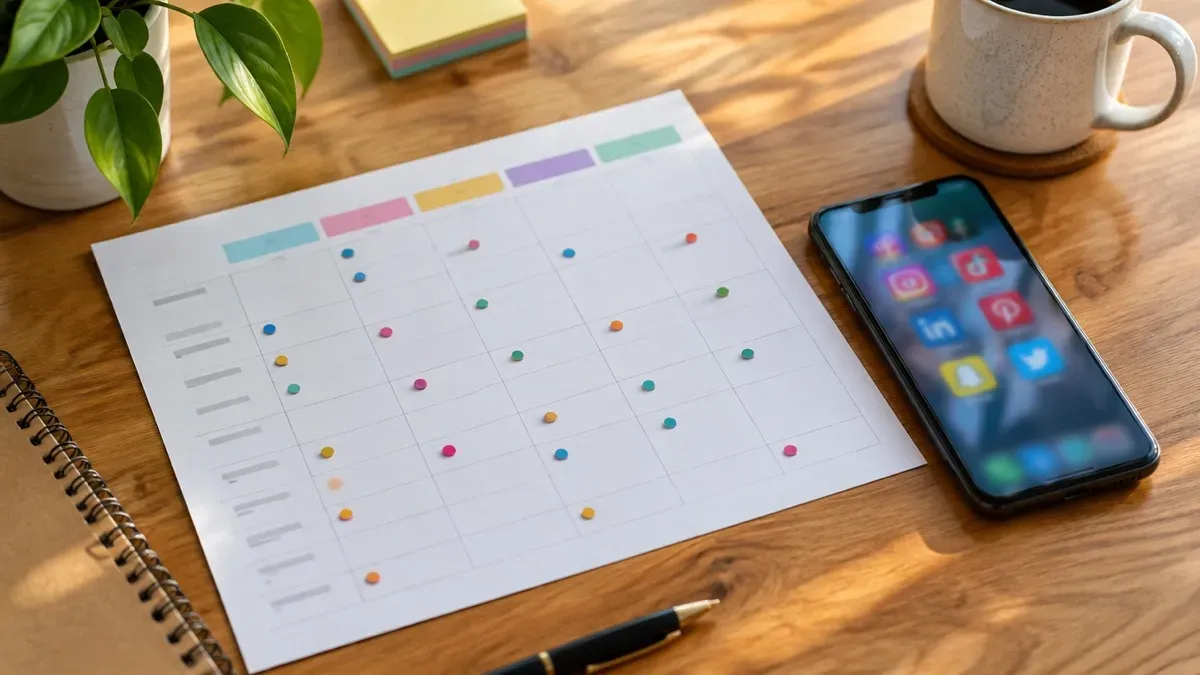
Hero photo by Shutter Speed on Unsplash
Cross-platform social media scheduling fails in a specific way. The idea is fine, and the time slot is fine. The same caption, the same crop, and the same link treatment go to every network. Each one shows the post slightly wrong, and you end up rewriting it by hand anyway.
This is for someone who posts one idea to at least two networks in the same week. Instagram plus LinkedIn is enough to need the method. If you only publish in one place, the native composer is simpler and you can stop here.
Start from a master, not from a paste
Write the post once as a short brief, not as the caption you will paste. Four lines are enough:
- The idea, in one sentence.
- The proof: a number you measured, a photo you have, or a step someone can try.
- The next action, including where the link should go.
- The asset you already have, and its shape.
That brief is the master. Everything else is a variant. A variant changes the first line, the crop, the link, or the hashtags. It does not start from a blank page. Copy-pasting the finished Instagram caption into LinkedIn skips this step, which is why the LinkedIn post sounds like a crop of a caption.
Check current caption length, link behavior and accepted crops inside each composer before you lock a template. Those details change, and a number copied from an old blog will fail quietly.
What actually has to change per network
Same idea, different surface. You do not need a unique essay. You need the few fields each network punishes if you ignore them.
If the network makes links tappable
Put the link in the post and say what it opens. LinkedIn is the usual case. An Instagram caption link is not the same control, so move the URL to the profile or drop it.
If the frame is vertical
A square photo of a product will letterbox or get chopped on a Reel or TikTok. Either cut a vertical version from the same shoot, or do not schedule that network for this asset.
If the hook is the first line
Instagram and X show very little before the fold. Lead with the point. A LinkedIn post can carry two more sentences of context under that same point.
Hashtags are the other silent copy. A block that still works on some Instagram niches looks like clutter on LinkedIn and on X. Keep a short list per network, written once, and stop appending the Instagram block everywhere.
Also split the caption fields in the scheduler. One shared “caption” box is how the paste returns. If the tool offers per-network text, use it. If it does not, you do not have cross-platform scheduling. You have a cross-poster, and the edits will happen in the native apps after the fact.
Same clock time is not the same caption
Batch scheduling fills a queue with finished copy. Cross-platform scheduling keeps one brief and changes the surface per network. If the pain is only getting posts out on Tuesday morning, read Batch scheduling is not content automation first. This page is for when Tuesday’s post must read differently on LinkedIn than on Instagram.
A method you can run on one idea
Freeze the brief
Do not open a network yet. Fill the four lines. If you cannot name the asset’s shape, you are not ready to schedule the second network.
Cut variants from the brief
For each network, write a first line, decide the link, and pick the crop. Reuse last month’s line if the only change is the product fact. Save the variants beside the brief so next week is an edit, not a rewrite.
Queue per field
Upload the file once if the tool allows a shared media item, then paste each variant into its own caption field. Set the times. Matching timestamps are fine. Matching sentences are the part to avoid.
Check one live copy per network
The next day, open each account on a phone. Look at the crop, the first line, and whether the link does what you claimed. Fix the template, not only that post.
Stop adding networks when you do not have the asset they require. A still photo plus a wish for TikTok is not a variant. It is a second production job. Leave that cell empty until the vertical file exists.
One restock, two networks
A stationery shop announces a notebook restock. The brief says the books land Thursday, the proof is a photo of the stack, and the action is the product page. Worked example, not a customer story.
Instagram gets a tall crop of the stack, a first line with the date, no URL in the caption, and the shop’s usual small hashtag set. LinkedIn gets a slightly wider crop from the same photo, two sentences on who the notebook is for, and a tappable link. Both are in the scheduler for Thursday morning, in separate caption fields.
The wrong version is the Instagram caption, URL and all, dropped into LinkedIn, plus the square original scheduled to a Reel slot “so we are also on video.” That version looks busy and then gets rewritten in the apps. You did the work twice, which is the duplication you were trying to leave behind.
When a tool helps, and when it will not
A scheduler helps when it stores per-network captions and crops for accounts you have connected. It does not help if it only broadcasts one caption. Content automation helps only on the networks it actually publishes, and only if you can still edit the variant before it goes out.
Postology is on a private-beta waitlist. The public site describes brand-aware captions and visuals, then Instagram publishing through Buffer after you review. It does not, on that page, claim a finished queue for every network in this article. Use it for the Instagram side if that matches your accounts, and keep explicit variants for the others. Join the waitlist from postology.ai only if that split is acceptable.
If you are still deciding whether you need a scheduler or a tool that also creates the post, read Content Automation vs Scheduling Tools: What Actually Saves Time?. A one-person weekly shape is in How Solo Creators Design a One-Flow Posting System. If the calendar tool is fine and creation is the missing half, see Buffer Alternative When You Want Creation and Scheduling in One Flow.
Frequently asked questions
Should every network get the same caption?
No. Share the brief. Change the first line, the link, the crop, and the hashtags where the network treats them differently.
Is it all right to post at the same time everywhere?
Yes. The duplication that hurts is the wording and the crop, not the clock time.
Do I need a unique video for TikTok?
You need a vertical asset that network can use. A square feed photo is not that asset. Skip the network until the file exists.
Does Postology remove caption copying for every network?
Not on the public site. It describes Instagram via Buffer after a review. Other channels are not listed as live. Plan variants for any network it does not publish.
Written by
Postology Team
Passionate about sharing knowledge and helping others succeed with content automation.
Related Articles
You might also be interested in these articles
Content Automation vs Scheduling Tools: What Actually Saves Time?
Scheduling tools queue finished posts; content automation connects creation to publishing. Decide which layer your workflow is missing.

How Solo Creators Design a One-Flow Posting System
A social media workflow for creators should cut handoffs, not add apps. Build a one-flow posting system you can keep on a busy week.
Buffer Alternative When You Want Creation and Scheduling in One Flow
A Buffer alternative makes sense when creation and the queue live in different tools. Stay on Buffer if finished posts are the only gap.